Context
A brief it can read
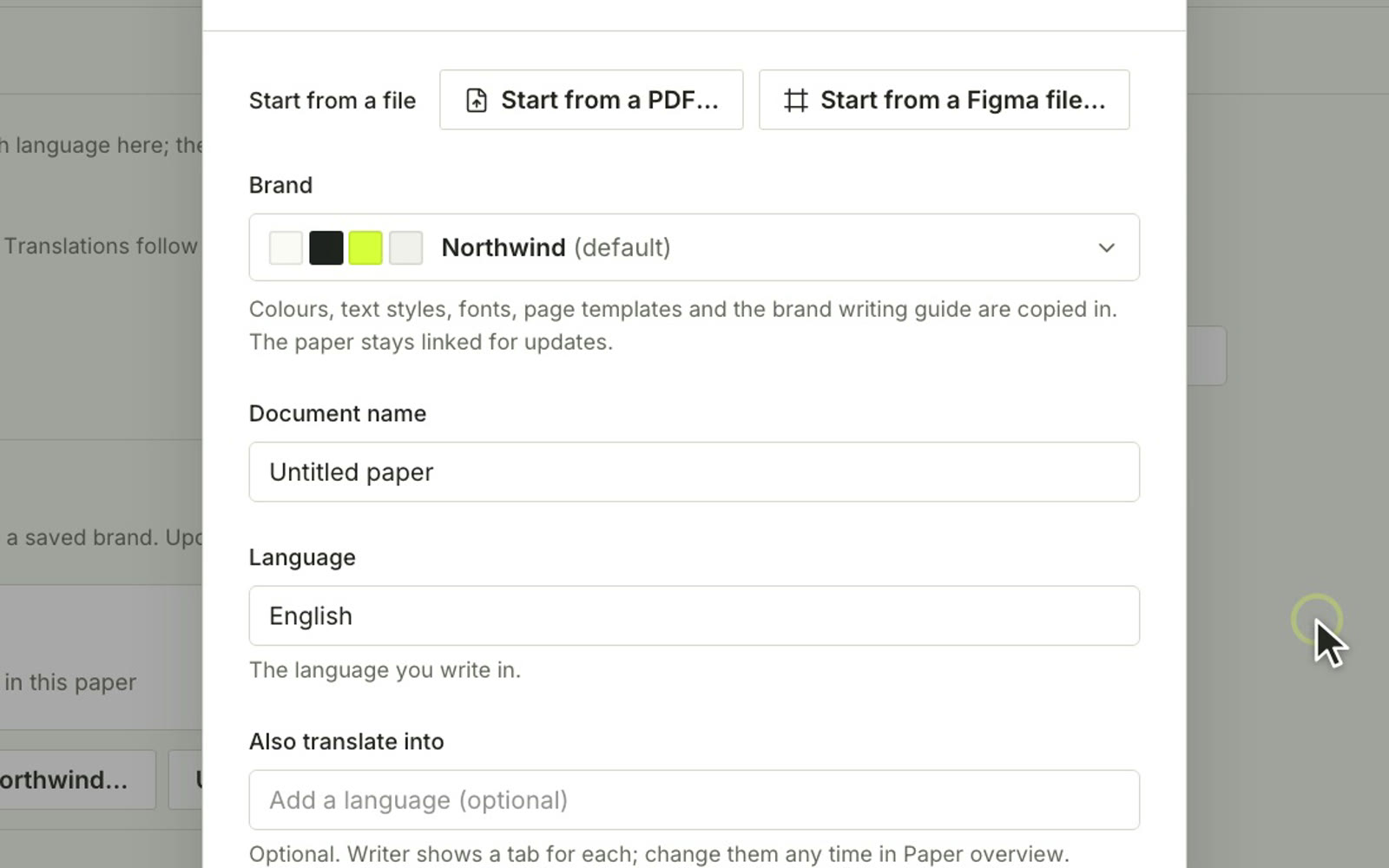
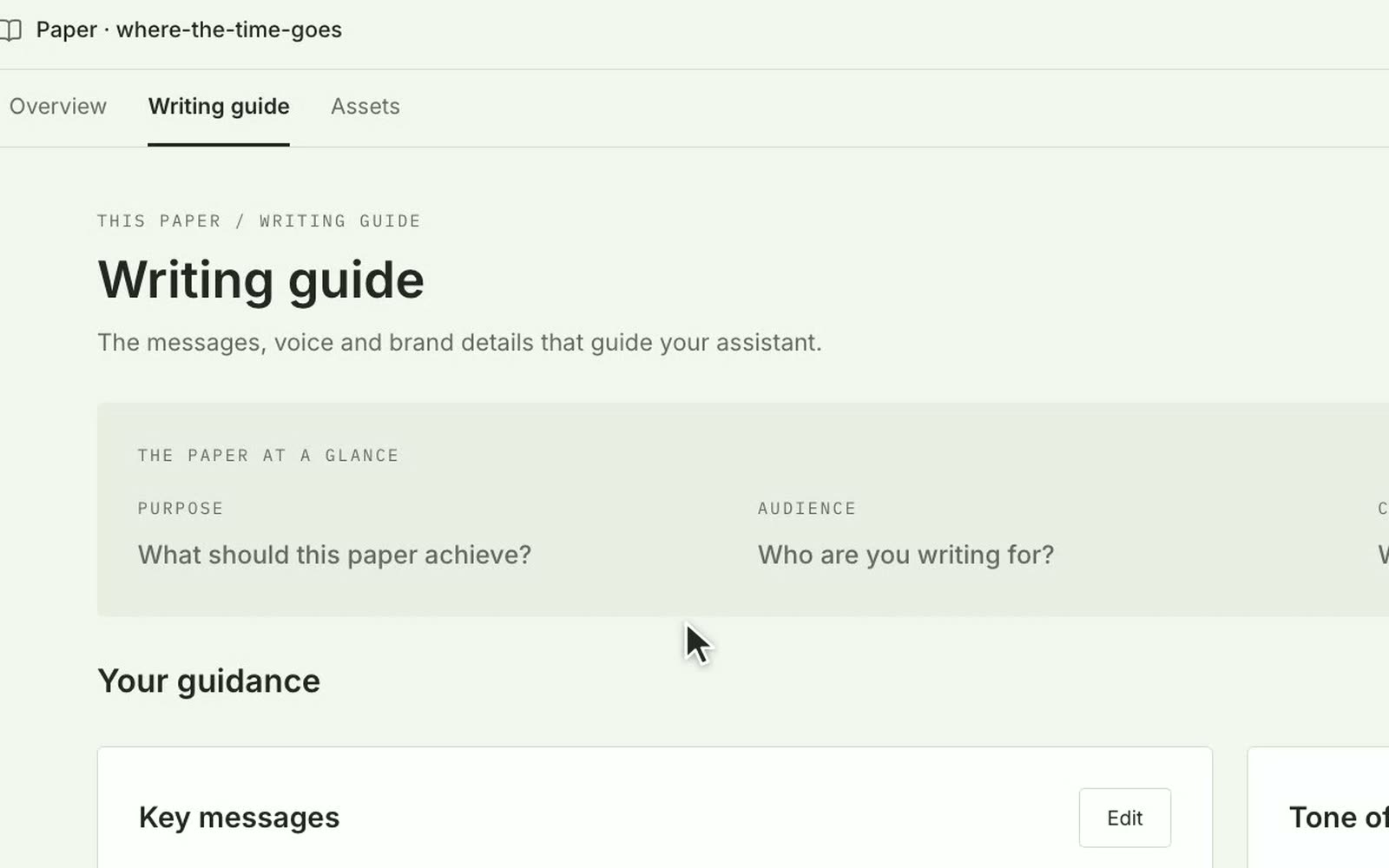
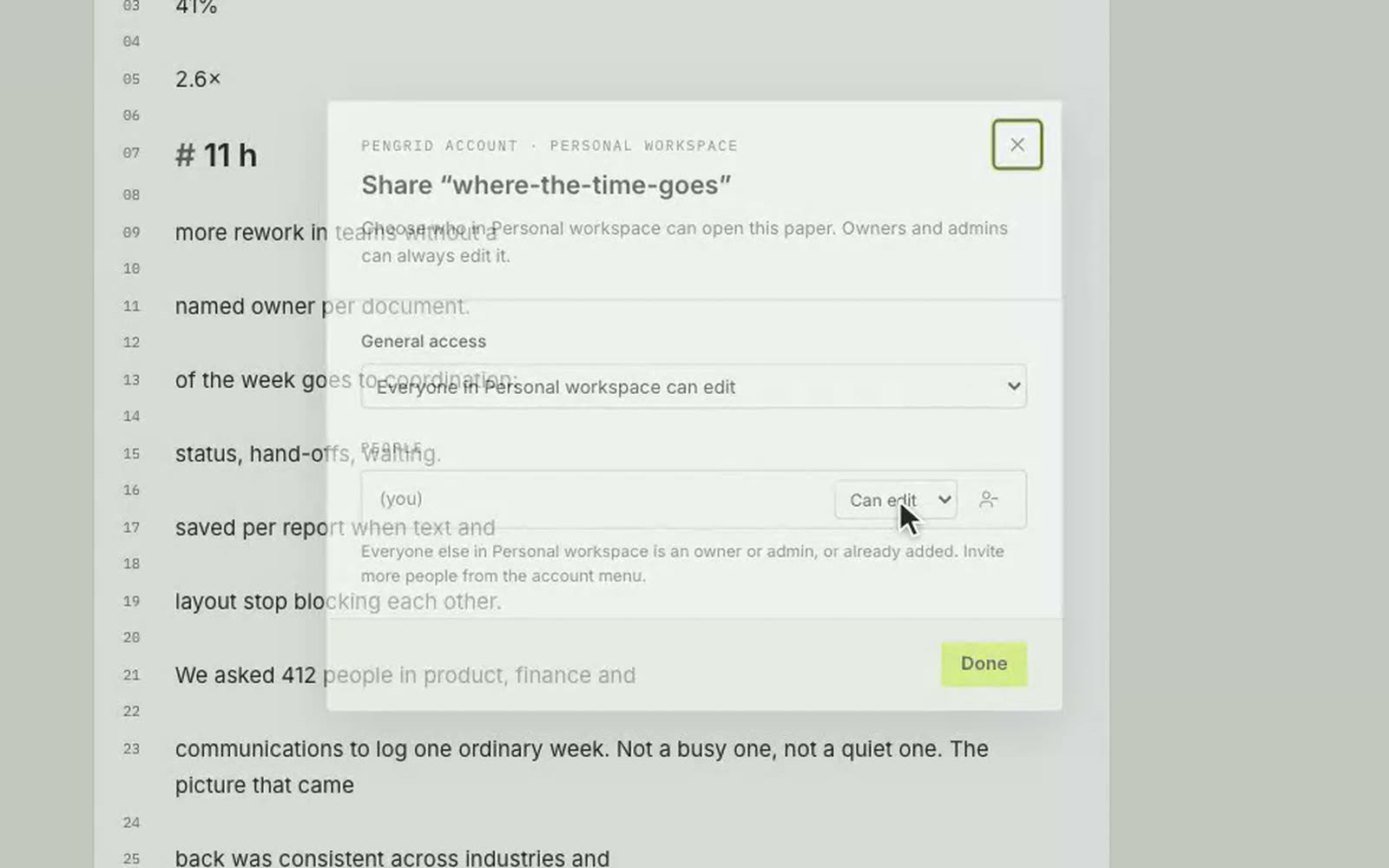
Purpose, audience, tone and brand rules live in a writing guide your agent can read before editing.
Pengrid · for proposals, reports and papers
Proposals and reports that look like an agency made them, made by your team and your AI. Start from last year's PDF, keep your brand, and change anything without breaking the layout.
Start from what you have
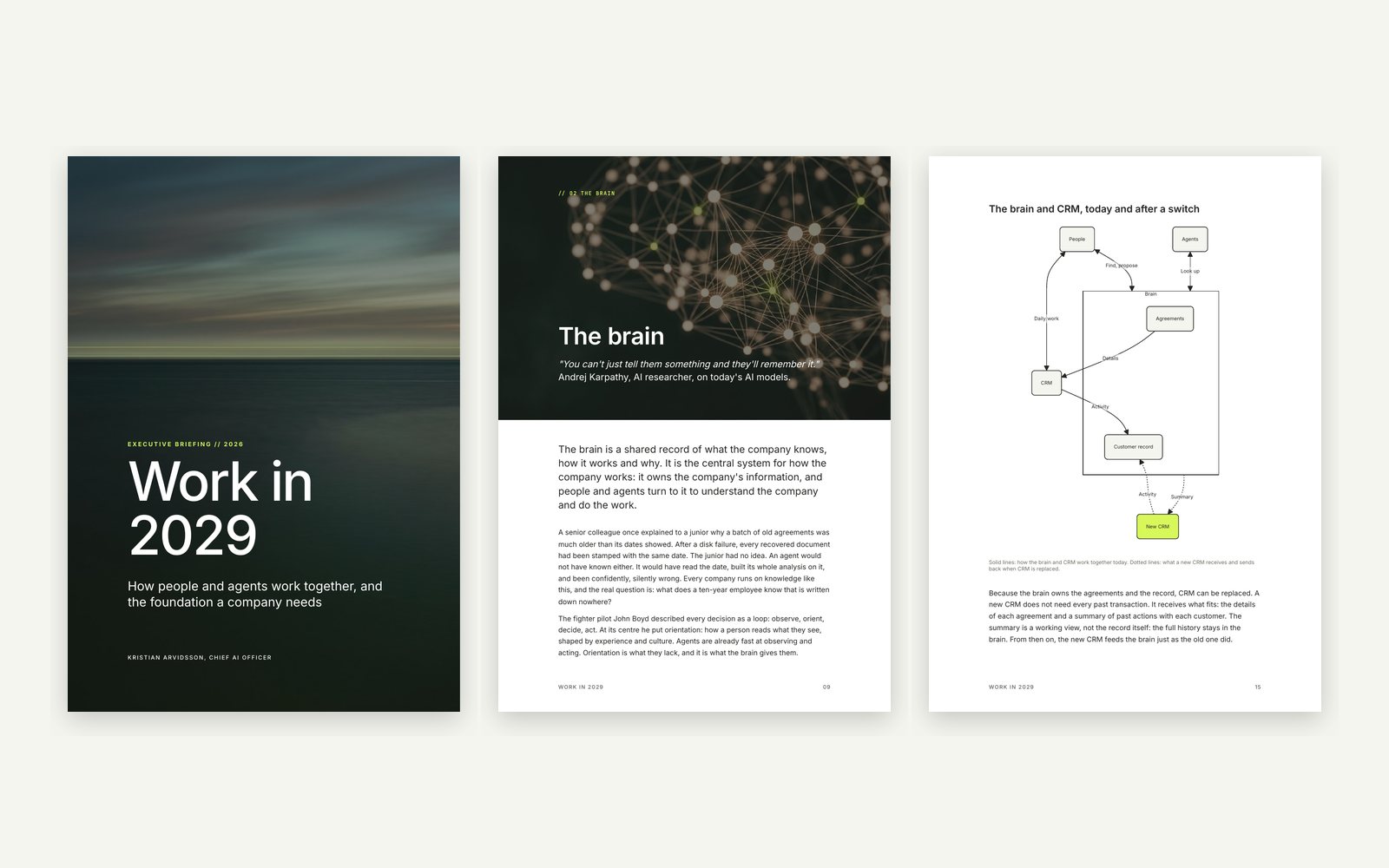
Your best proposal or report already exists, locked in a PDF. Pengrid takes it apart on your computer and hands it back as a living document, in minutes.
Headings, paragraphs and tables land in Writer as plain Markdown, and go back into the right boxes on the page.
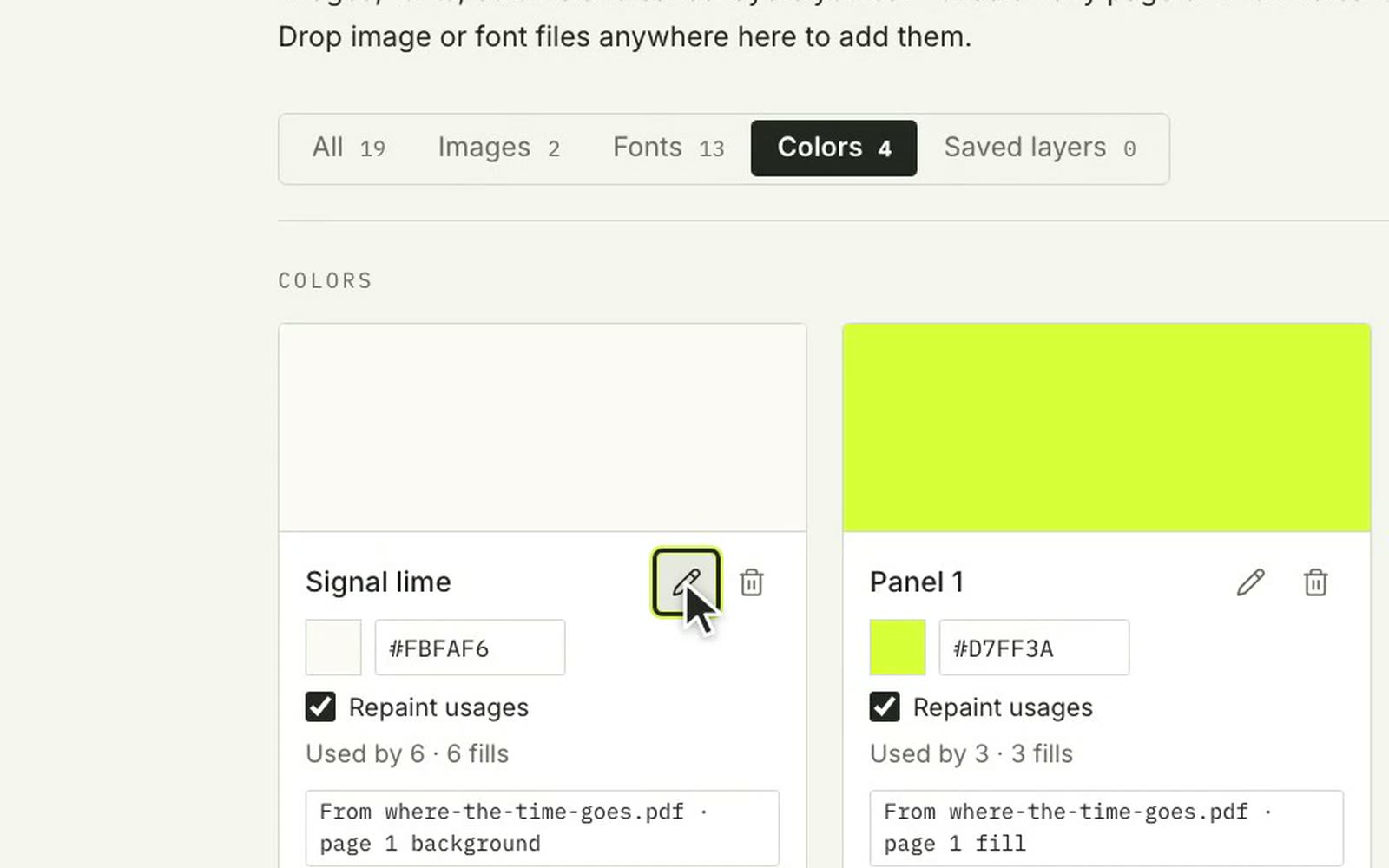
The pages arrive in Design without the text, with the fonts, colours, images and text styles kept as your brand library.
Repeated elements are found and turned into shared blocks and styles, so a new footer is one change, not one per page.
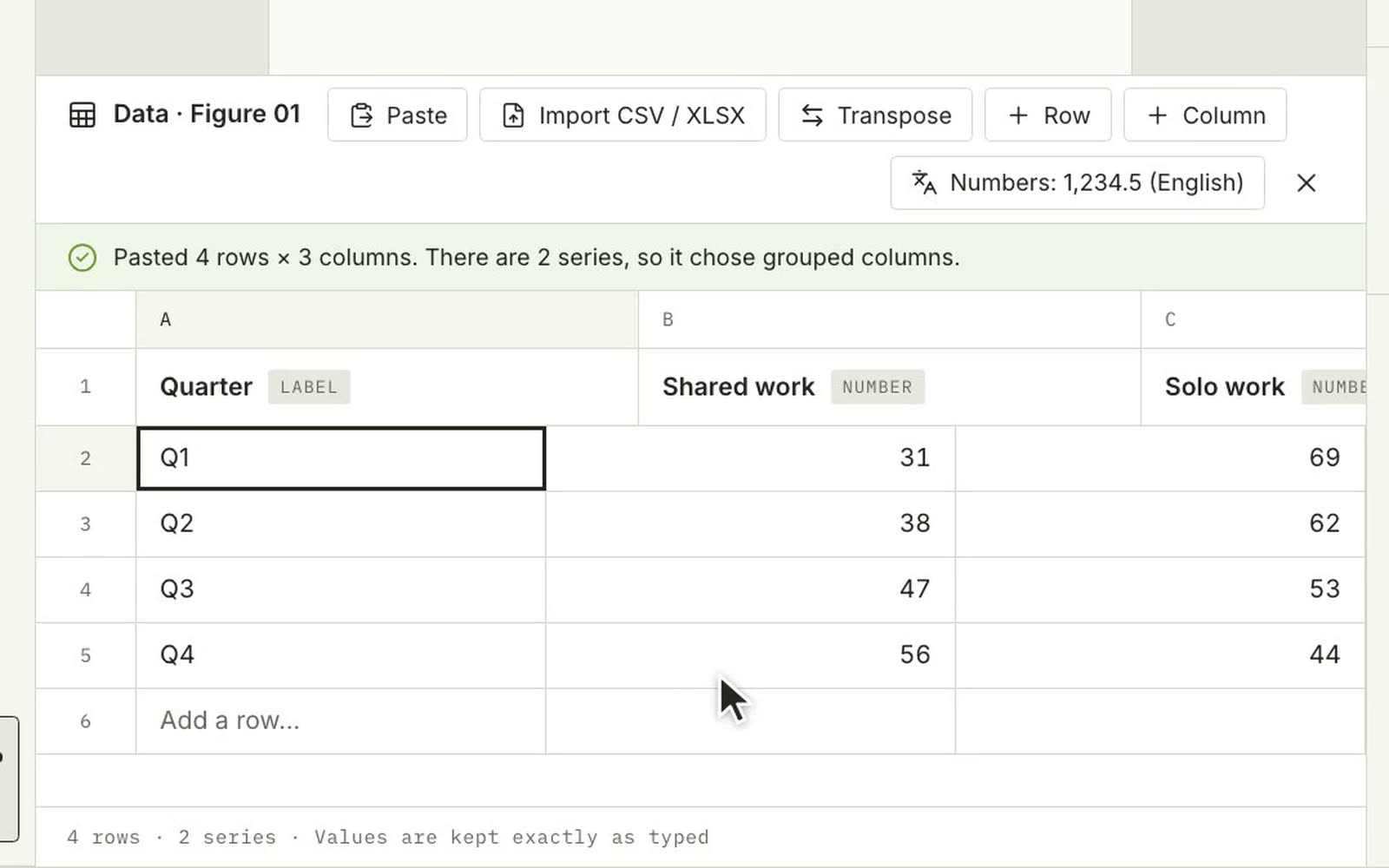
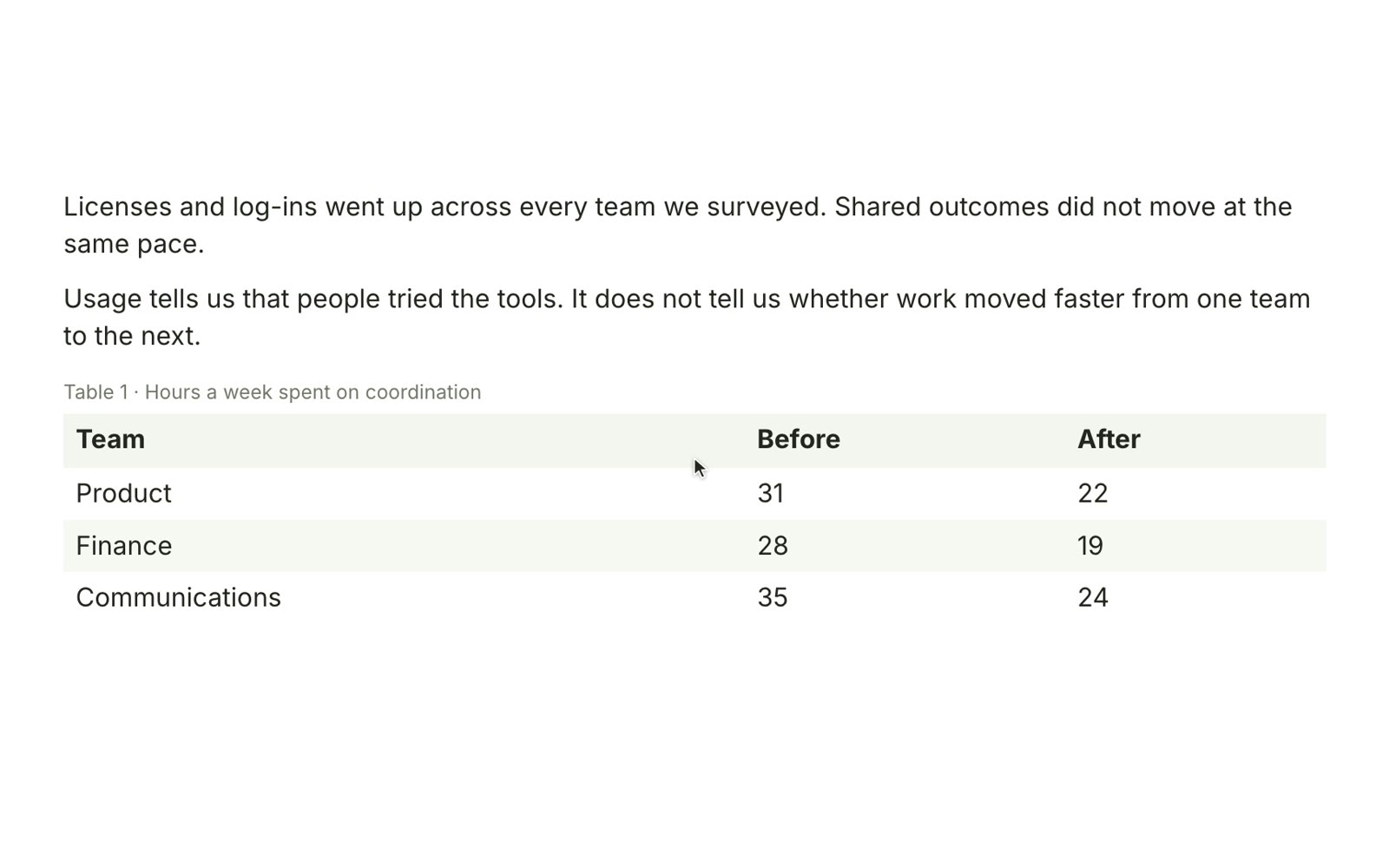
Even charts that were only pictures are read on your computer and rebuilt with their numbers, each marked "Check the numbers" until you confirm it.
MADE FOR AGENTS
Your agent can work on the words and the layout, see the result, and fix what does not fit. You stay in control of what it can change.
TRY ASKING YOUR AGENT
“Shorten the summary, update the chart with these figures, and check that every page fits.” Context
Purpose, audience, tone and brand rules live in a writing guide your agent can read before editing.
Editing
Edit text, page layouts, tables and chart data directly through MCP. Each change becomes part of the paper.
Feedback
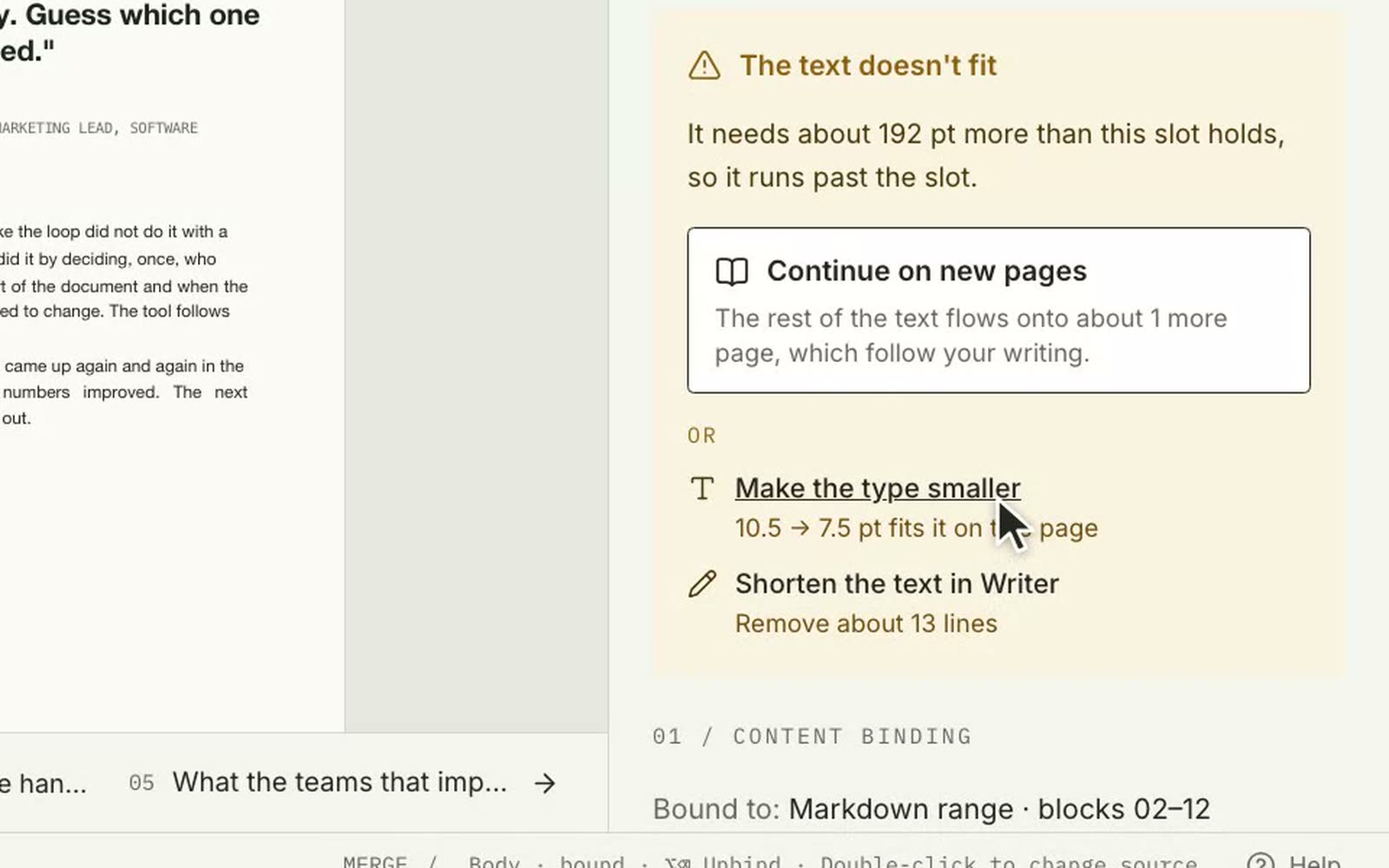
Overflow checks name the page and text box. Your agent can revise the content or layout, then check again.
Review
Take page screenshots to review the layout, then export PDF or HTML for you to check.
Access is off whenever Pengrid starts. Choose read-only or editing access. Agent changes are labelled in History and can be undone.
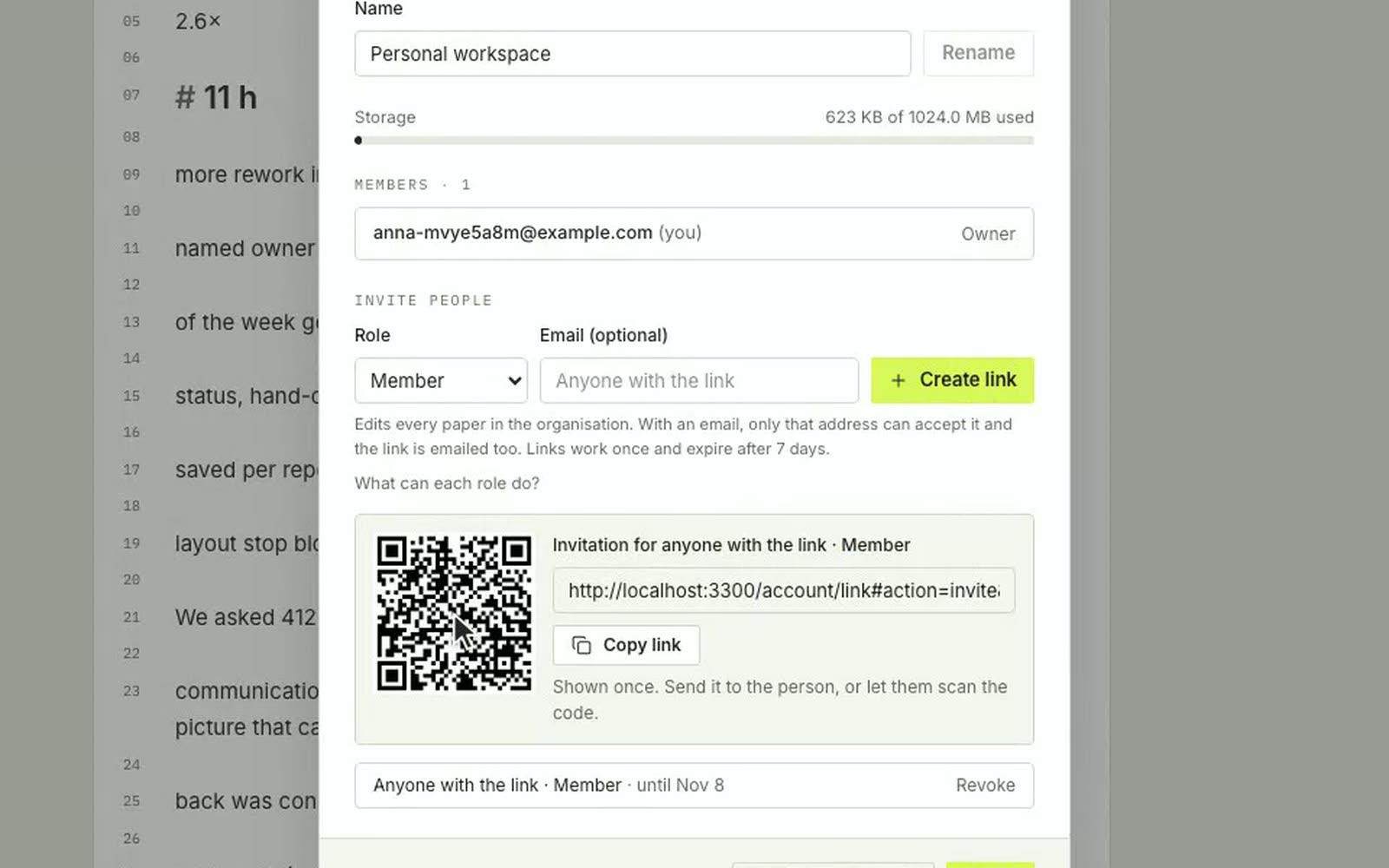
Signing in, sharing papers, inviting people and changing Settings stay with you.
The tour
Ingrid walks through Design, Writer and Merge, how a paper stays on brand, and the features you will use most, on one real paper.
For your IT team
Client documents can go into Pengrid. Without an account it is a complete desktop app that never needs a connection: imports and the built-in assistant run on your machine. Sign in and your papers live in your organisation instead, on our own server hosted in Europe, behind Cloudflare. Your text never goes to us for AI, and an outside AI agent sees nothing until you turn it on.
| What | Signed out | Signed in |
|---|---|---|
| Documents | .pengrid files on this computer | Your organisation's cloud, hosted in Europe |
| PDF import | Processed on this computer | Processed on this computer |
| Built-in assistant | Runs on this computer | Runs on this computer |
| Your own AI agent | Off until you allow it; text goes only to that AI | Off until you allow it; text goes only to that AI |
| Sharing | — | Editor or viewer, per paper |
| Deleted papers | Your own files | 30-day bin |
| Account | Not needed | One login for app and website |
What you get
AValue
Fix a sentence once and every page that uses it updates. Nothing moves unless you move it.
BValue
A real page grid, running headers that run themselves, charts in your colours, and last year's PDF as a starting point.
CValue
Tab to finish the sentence. A model on your own computer, or the AI you already pay for. It follows your writing guide and edits only when you say so.
DValue
Runs on your computer, free for one person. Your choice of AI, or none. Your team when you want it.
How it works
Each mode owns one job and stays out of the others. Start with the layout or start with the words; they meet in Merge.
01 Design
A canvas that feels like Figma. Draw text slots, frames and images, then lock what should stay put.
02 Writer
A calm editor with nothing but the words. Headings, lists and quotes are plain Markdown, so the text stays portable.
03 Merge
Pick a slot, tick the blocks that belong in it, and style how they land. Preview shows the final pages exactly as they will export.
Made in Pengrid
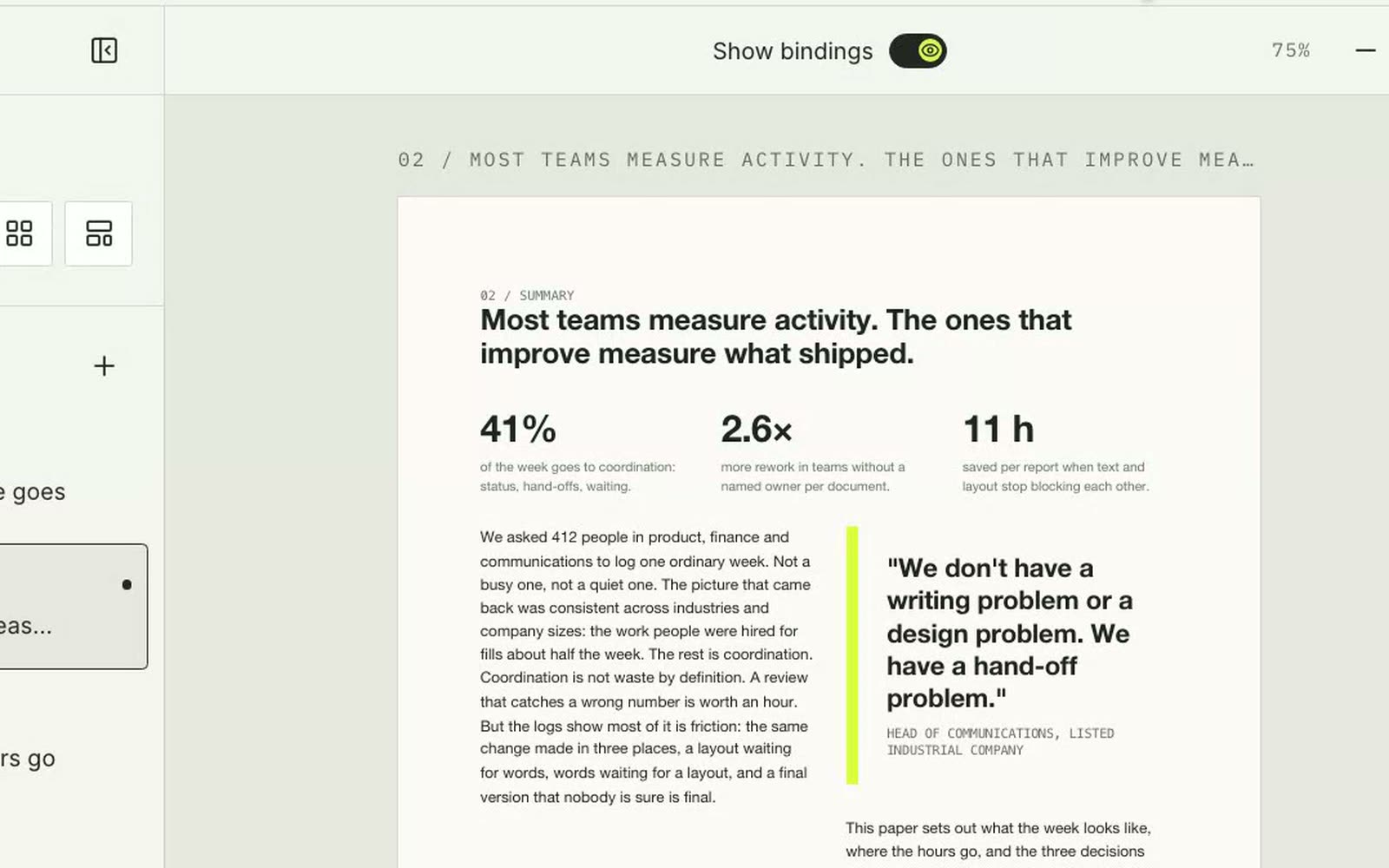
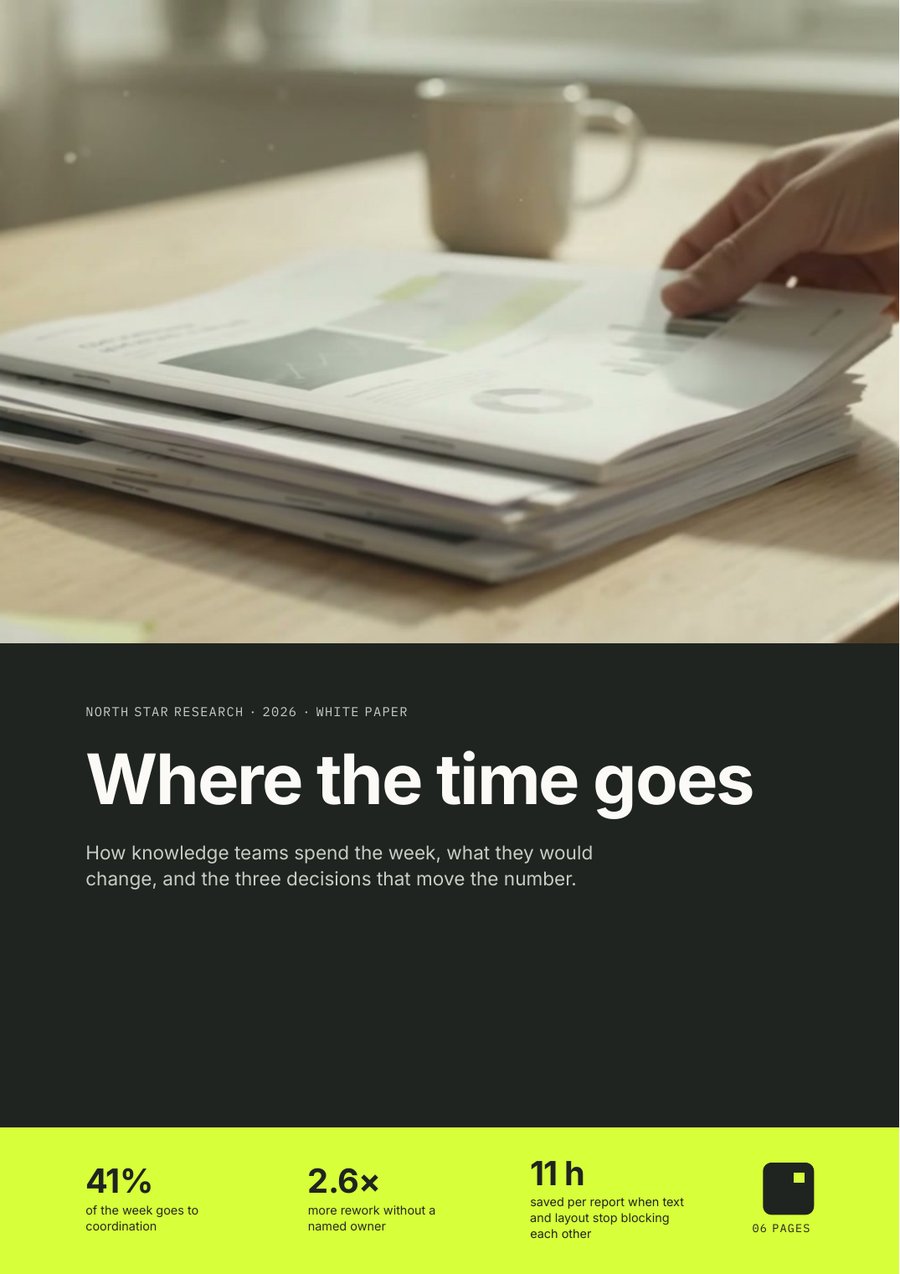
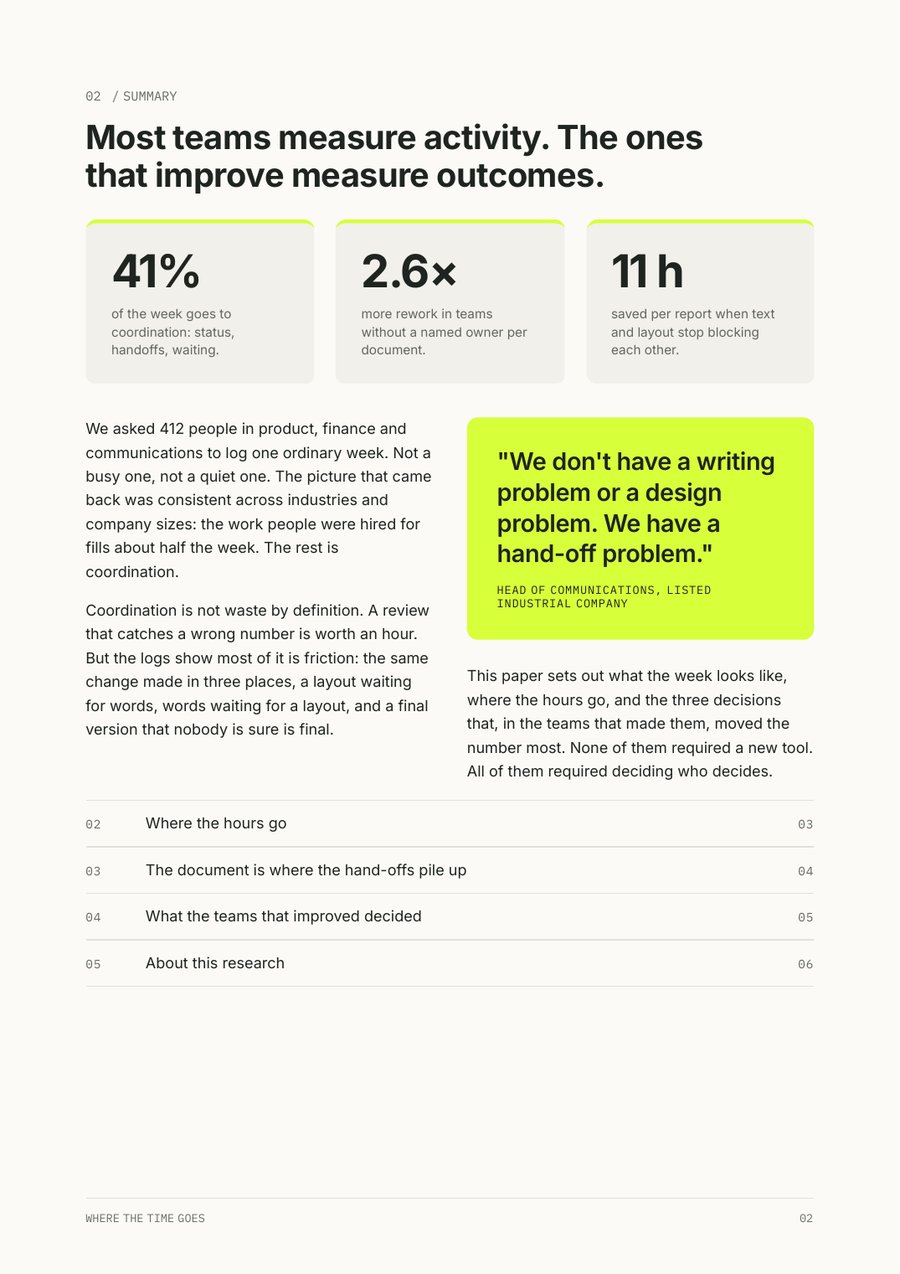
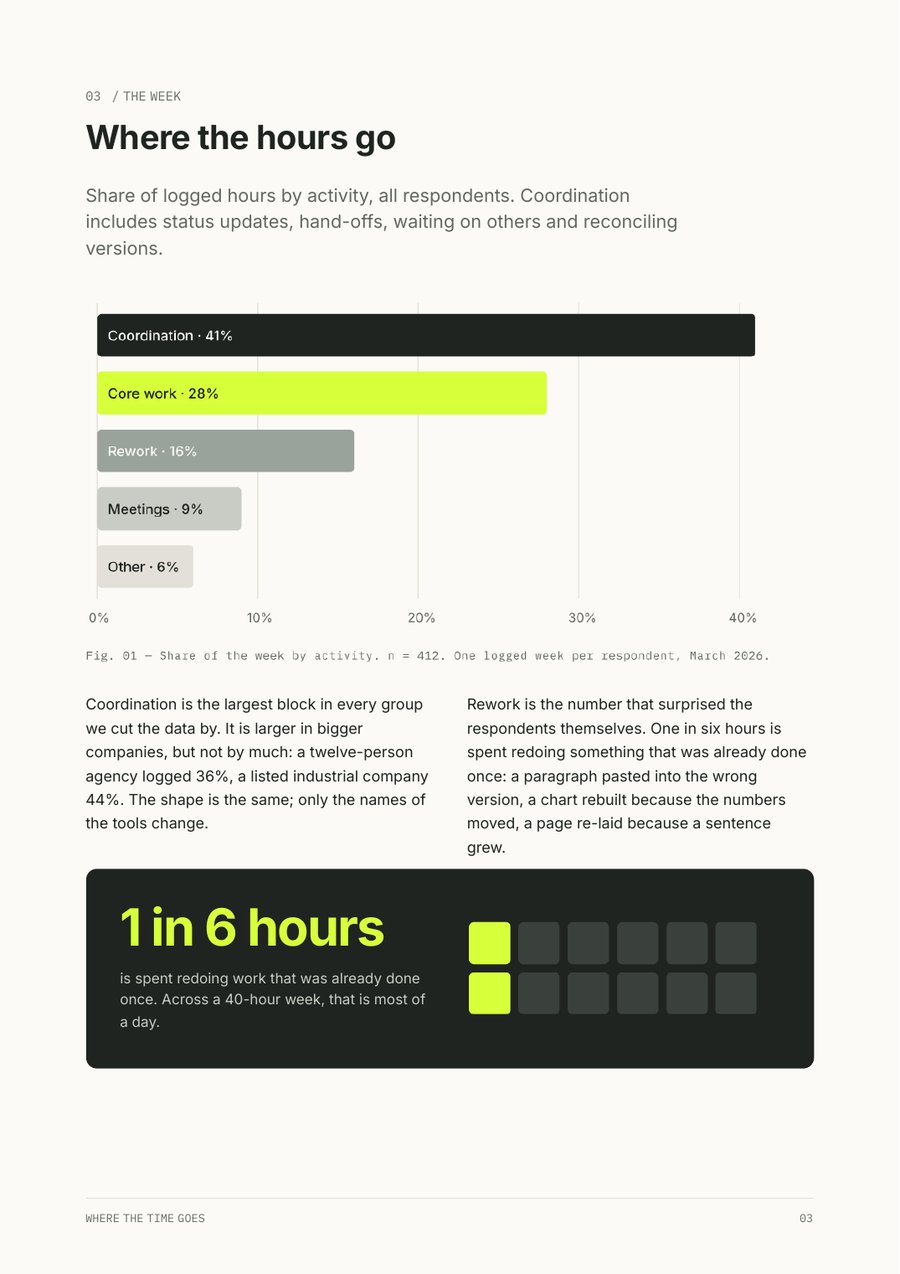
"Where the time goes" is a six-page white paper with a cover, a chart and pull quotes. It was written, designed and exported in Pengrid, and it is the paper in every film on this page.
Why the page fights back
Writing and laying out a page are different jobs. When one tool does both in the same place, every edit to the words is a risk to the layout, and the afternoon goes on fixing what moved.
Word or Google Docs
Easy to write in.
Pictures jump, numbering restarts, headers wander, and a change on page 3 breaks page 9. It never quite looks designed.
Pengrid vs Word →Canva or Figma
Looks great fast.
Every paragraph is a text box. When the words change, the fix is pasted by hand on every page, and a thirty-page report is misery.
Pengrid vs Canva →InDesign or a designer
Beautiful and exact.
Months to learn, or a hand-off and a wait. Every round of review restarts the whole loop.
Pengrid vs InDesign →Pengrid
Write like a writer. Design like a designer. Change either without breaking the other.
The words live in Writer, the pages in Design, and Merge binds them. Rewrite all week and the layout holds.
Free, no account needed. Teams €5 per person.
Leaving Microsoft Publisher? Here is what to do with your files.
Pricing
The whole app is free, for as long as you like. Multiplayer is free too, until we launch local-first multiplayer, with a sealed ledger.
€0forever
The whole app, for one person. No account needed, and with one your papers follow you to every computer.
€5Free for nowper user per monthFree until local-first multiplayer launches
For teams and agencies who write together. Invite your colleagues and edit the same paper, live.
Comingno date or price yet
Local-first, with a sealed ledger. Your papers stay on your team's devices, and every change is encrypted before it leaves them, so our server only passes on changes it can't open.
Prices in euro, excluding VAT, billed per organisation. Multiplayer is free until local-first multiplayer launches; we haven't set a date or a price for that yet. Accounts and papers are hosted in Europe, on our own server.

Download
Open the sample document, take the two-minute tour, or drop in a PDF you already have.
Windows may say it protected your PC: choose More info, then Run anyway.
Download for LinuxAppImage · x64 · 168 MB Make the AppImage executable and open it. On Ubuntu, install libfuse2 first.
Version 0.7.11
FAQ